BAY 01 / MANAGED
Prism Launcher
Recommended pathImport once. Packwiz checks the stable GitHub Pages channel every launch, keeping the instance aligned with approved updates.
Download Prism ZIPAFTERLIGHT-prism-instance.zip
R&L LABS / PUBLIC RELAY 04
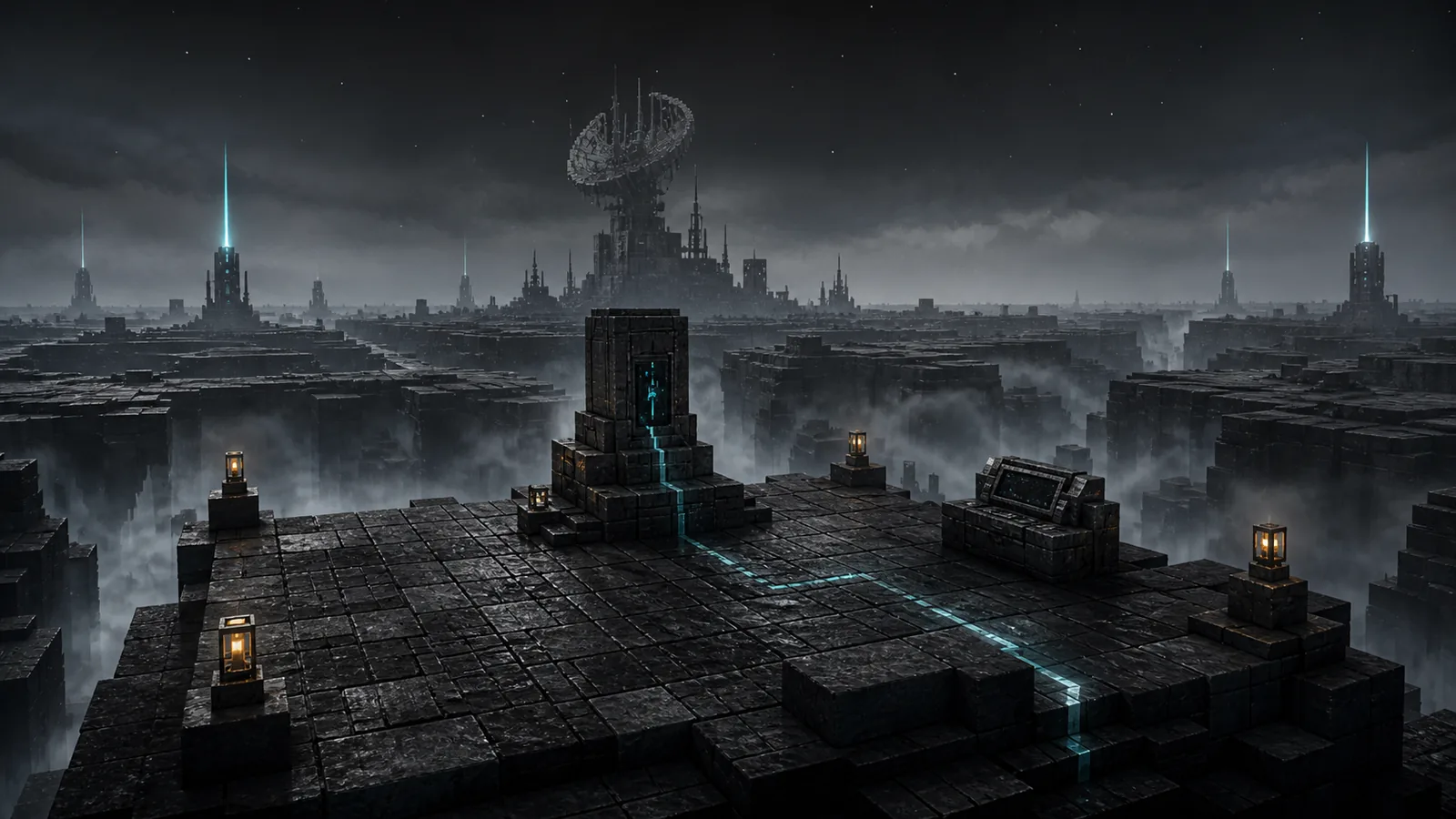
A story-driven Minecraft expedition through lost infrastructure, guided automation, and the machine that remembers.
NEOFORGE 1.21.1 / JAVA 21 / PRIVATE SERVER
RELEASE STATE
VERIFIED OUTPUT / THREE PATHS
Use the archive built for your launcher. Each available button points directly to the selected GitHub release asset.
BAY 01 / MANAGED
Import once. Packwiz checks the stable GitHub Pages channel every launch, keeping the instance aligned with approved updates.
Download Prism ZIPAFTERLIGHT-prism-instance.zip
BAY 02 / PROFILE
For each update, import the newest ZIP as a separate profile. Existing CurseForge profiles do not update in place.
AFTERLIGHT-curseforge.zip
BAY 03 / MANUAL
Use the mrpack as the manual fallback for launchers that support the Modrinth pack format.
AFTERLIGHT.mrpack
PROCEDURE / UPDATE
PROCEDURE / SERVER
104.128.55.166 as the address.